Official Download Center Snellen Digital
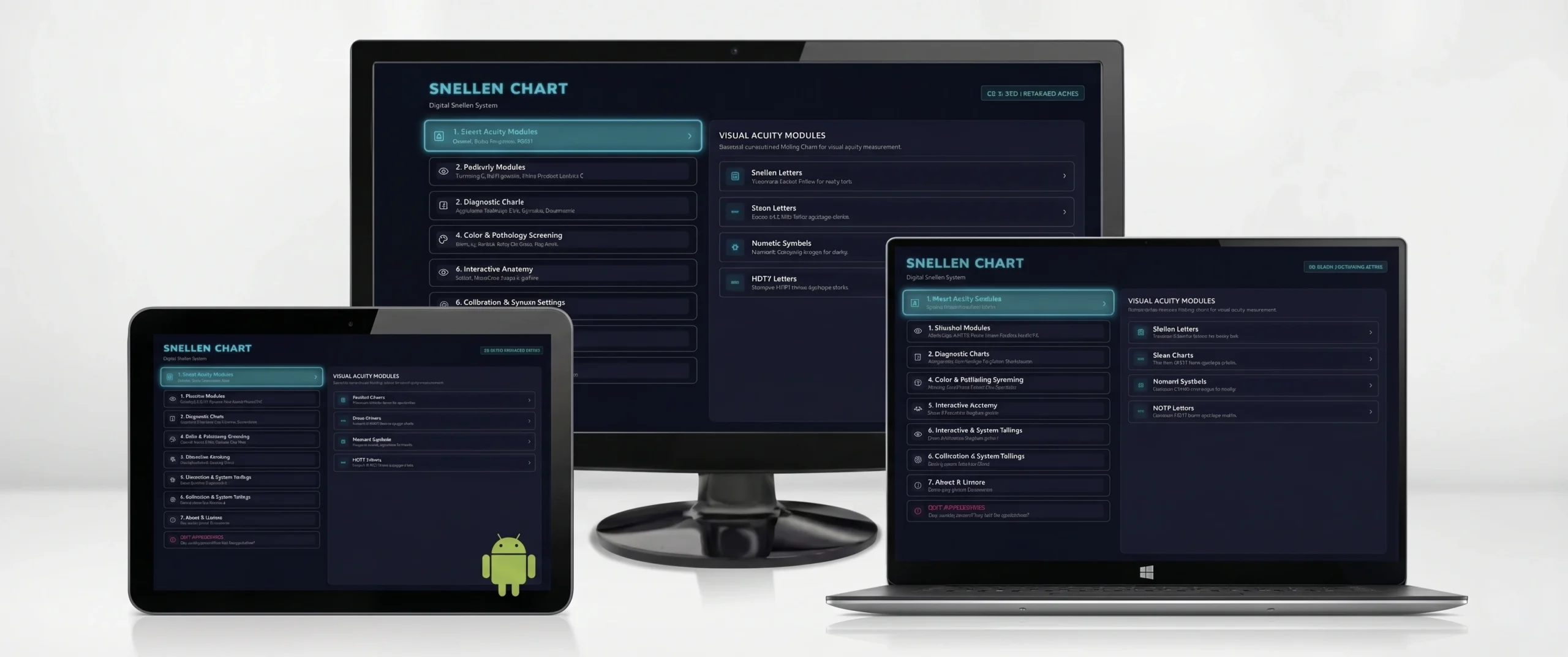
Download the official application for Windows PC/laptops via Microsoft Store or the APK for Android Smart TV Boxes. Lightweight, fast setup, and 100% offline operation.
Snellen Digital for Windows
Compatible with all desktop PCs, laptops, all-in-one machines, and Windows 10/11 devices officially via Microsoft Store.
Snellen Digital for Android STB
Designed specifically for Android TV Boxes (Matrix, Xiaomi Mi Box, Fiberhome, ZTE, etc.) connected to LED TV or wall monitors.
Installed & Have a Hardware ID Code?
Activate full 30-Day Free Trial access for Professional Package.
Hardware & System Requirements
Snellen Digital is engineered with minimal resource consumption to run smoothly even on entry-level hardware.
| Component | Minimum Specification | Recommended Optimal |
|---|---|---|
| Operating System | Windows 7 (SP1) / Android 4.4 (KitKat) | Windows 10 / 11 or Android 9.0+ |
| Processor (CPU) | Dual Core 1.2 GHz / ARM Cortex A7 | Quad Core 1.8 GHz or faster |
| RAM Memory | 1 GB RAM | 2 GB RAM or more |
| Storage Disk | 100 MB free space | 500 MB (SSD recommended for PC) |
| Display Resolution | 1280x720 (HD 720p), 15-24 inch Monitor | 1920x1080 (Full HD 1080p), 24-43 inch LED TV |
| Input Controls | Standard USB Keyboard / Mouse | Wireless STB Remote / Wireless Numpad |
4 Easy Steps to Install & Calibrate Your Screen
Follow these 4 simple steps to ensure 100% medically accurate 5-arcminute optotype dimensions on your screen.
Download & Install the Application
Run the setup file on your PC or install the APK on your Android TV Box. The application opens directly to the Snellen Digital home screen.
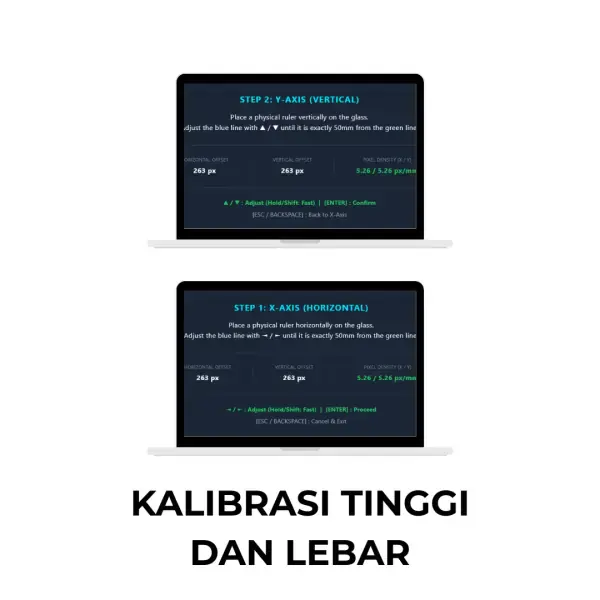
Calibrate Screen Diagonal
Open the Calibration menu, measure your physical monitor/TV screen width or diagonal with a ruler in centimeters, and input the measurement.
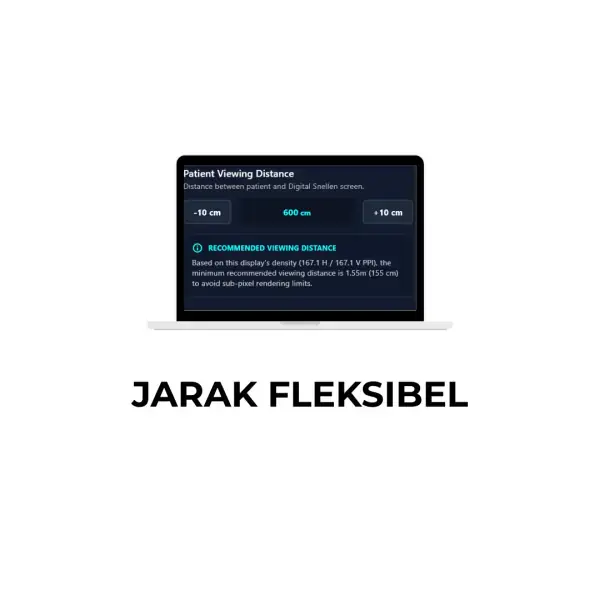
Set Exam Room Distance (1m - 6m)
Select your patient lane distance between 1 meter and 6 meters (20 feet). The software recalculates all optotype dimensions automatically.
Begin Patient Visual Acuity Testing
Use your TV Box remote, mouse, or keypad to switch chart modules (Snellen, Tumbling E, Duochrome) and randomize characters during exam.
Download & Installation FAQs
Detailed answers to common technical questions when installing and setting up the software.
Can this downloaded version be used immediately for trial testing?
Yes! Once downloaded and installed, the application opens immediately in Trial/Demo mode. You can test all calibration features, optotype randomization, and refraction charts before activating a perpetual license.
How do I install Snellen Digital on a Windows PC / Laptop?
Snellen Digital for Windows is available officially through the Microsoft Store. Installation is automatic, verified by Microsoft, and 100% secure.
How do I install the APK file on an Android TV Box / Smart TV?
1. Copy the APK file to a USB Flash Drive. 2. Plug the USB flash drive into your Android TV Box. 3. Open "File Manager" or "App Installer" on your TV Box. 4. Select the Snellen Digital APK and click "Install". Ensure "Allow installation from unknown sources" is enabled in your Android settings.
Does Snellen Digital require an internet connection during examination?
Not at all. Snellen Digital operates 100% offline. You do not need an active internet connection or Wi-Fi in your examination lane.
How do I obtain the License Key after trial testing?
Go to Settings/Activation inside the Snellen Digital app to see your unique Hardware ID. Share this Hardware ID with our WhatsApp support to receive your permanent lifetime activation key.
Need Help with Download or Installation?
Our technical support team is ready to assist you through installation and calibration via WhatsApp or remote support.