⚡ Executive Summary (Key Takeaways)
- Core Recommendation: Selecting the right Android TV Box for Snellen Digital ensures smooth, lag-free 24/7 operation in busy optical dispensaries and ophthalmic clinics.
- Minimum Specs: Requires at least 2GB RAM, Android 8.0 (Oreo) or newer, and Full HD / 4K UHD HDMI output.
- Top 3 Tested Devices: KUCUU K52 (Budget ~$25), MATRIX Apple Android TV Box (Mid-Range ~$40), and Xiaomi TV Box S (Premium Google TV ~$75).
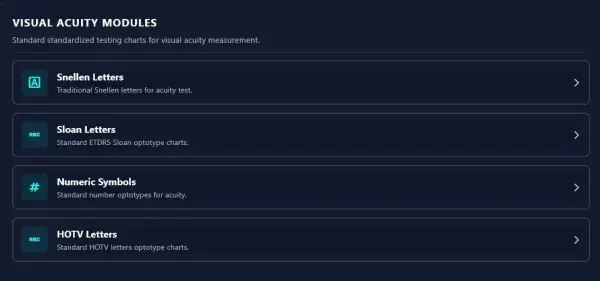
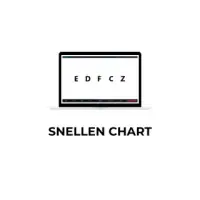
Looking for the most reliable, durable Android TV Box for Snellen Digital to power your clinic's digital refraction suite? Using a dedicated Set Top Box (STB) Android TV Box is the optimal approach to ensure your visual acuity chart software renders symbols (Snellen, Tumbling E, Landolt C) with zero latency. In this guide, we review minimum hardware requirements, installation steps, and 3 verified TV Box recommendations for 2026.
Why Choosing the Right Android TV Box Matters
Pairing the right Android TV Box with Snellen Digital delivers immense cost savings compared to traditional mechanical chart projectors. Real-time optotype generation and anti-memorization randomization require consistent processing power. Low-end boxes with sub-1GB RAM or outdated chipsets can lead to:
- Input Lag & Delay: Delays when switching lines or optotype sets disrupt clinical examination flow.
- Overheating: Substandard hardware overheats when powered continuously throughout long clinic shifts.
- Unexpected App Crashes (Force Close): Insufficient RAM causes Android to terminate background processes abruptly.
Choosing devices that comply with official Android TV ecosystem standards ensures multi-year hardware longevity.
Hardware Specifications: Minimum vs Recommended
| Hardware Component | Minimum Requirements | Recommended Specifications |
|---|---|---|
| RAM Memory | 2 GB DDR3 | 2 GB – 4 GB DDR4 |
| Internal Storage (ROM) | 8 GB Flash Storage | 16 GB / 32 GB eMMC |
| Operating System | Android 8.0 (Oreo) | Android 10 / Google TV™ |
| Processor (CPU & GPU) | Quad-Core ARM Cortex-A53 | Quad-Core 64-bit & GPU Mali G31 |
| Display Output | HDMI 1.4 / AV Output | HDMI 2.0 (4K UHD 60fps) |
| Connectivity | Wi-Fi 2.4 GHz Band | Dual-Band Wi-Fi (2.4GHz & 5GHz) + RJ45 LAN |
Top 3 Recommended Android TV Boxes for Snellen Digital
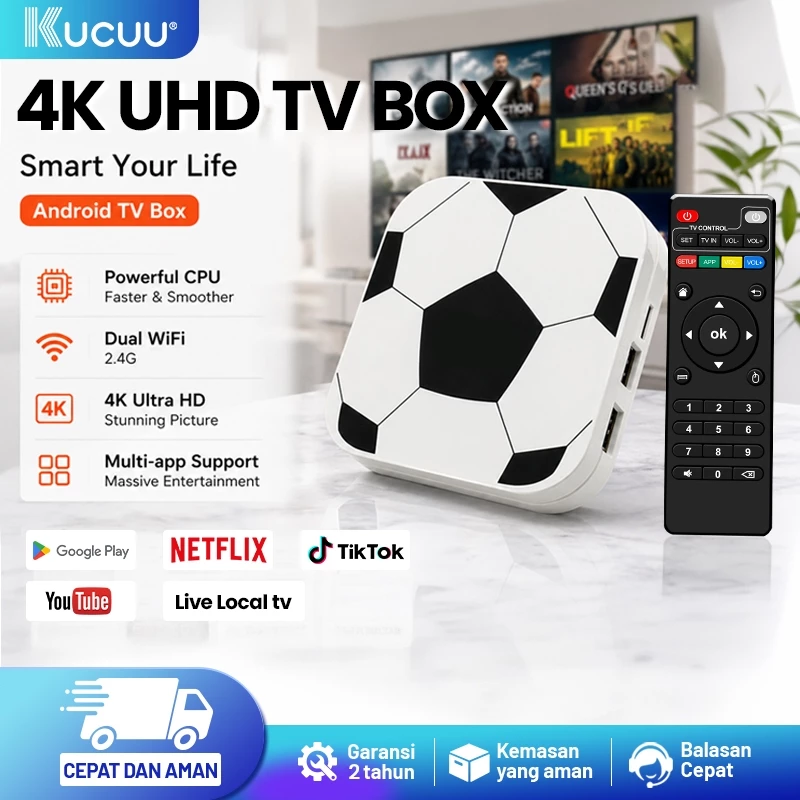
1. KUCUU K52 Android TV Box
The KUCUU K52 is the most economical entry-level choice for startup optical dispensaries switching to digital acuity charts. With solid baseline specs, it handles digital testing reliably without breaking the budget.
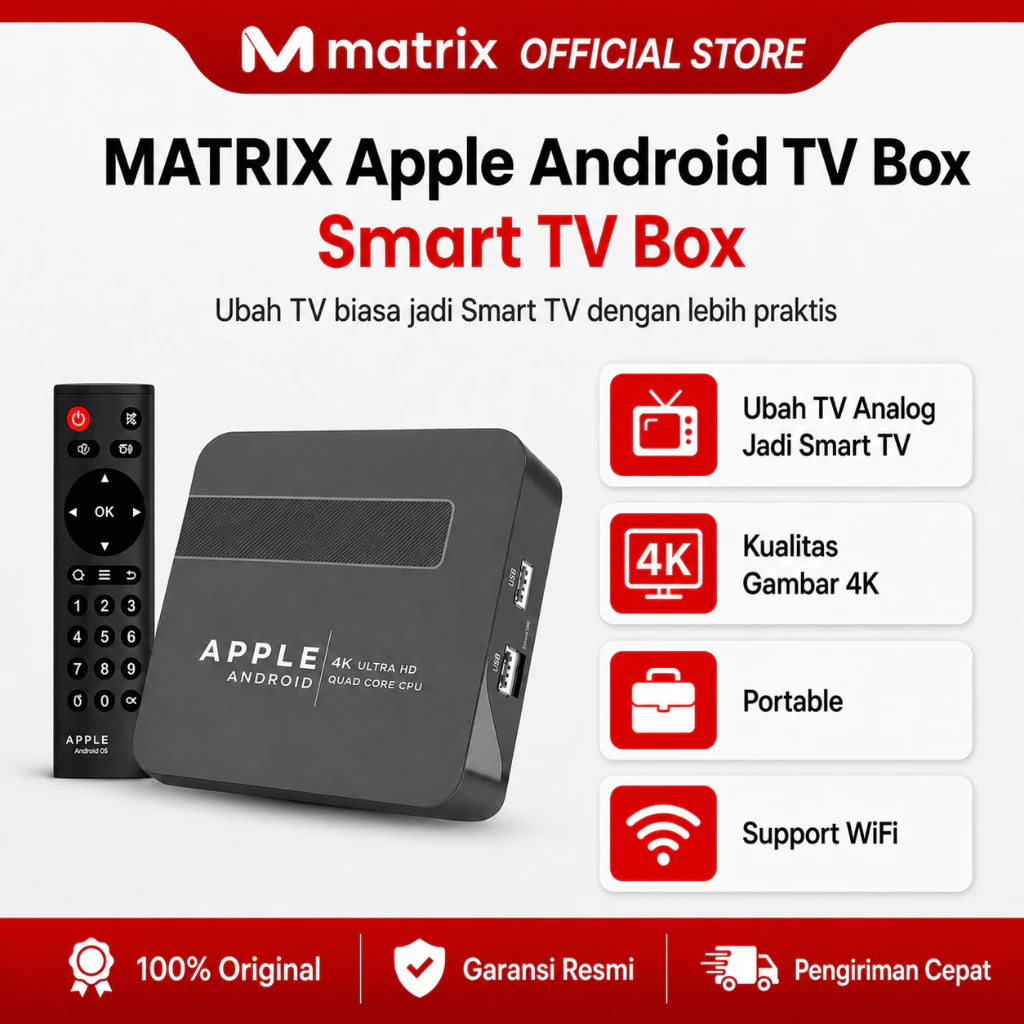
2. MATRIX Apple Android TV Box
Key Specs: CPU Allwinner H313 Quad-Core ARM Cortex-A53, GPU Mali G31, 2GB RAM.
The MATRIX Apple Android TV Box offers the best balance of thermal stability and performance. Its passive heat sink ensures cool operation throughout uninterrupted full-day clinical shifts.
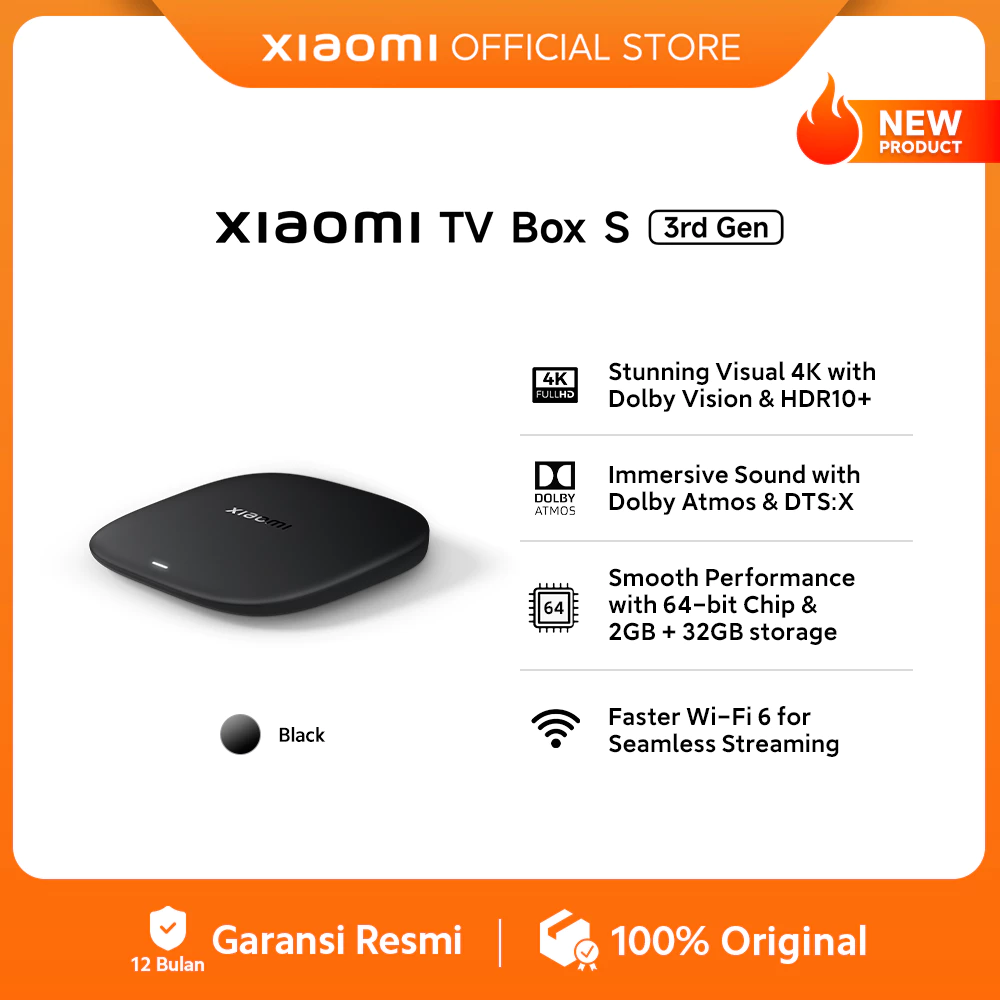
3. Xiaomi TV Box S (3rd Gen)
Key Specs: Quad-Core CPU up to 2.5 GHz, 2GB RAM, 32GB ROM, Google TV™ OS.
For tertiary hospitals and premium optical clinics, Xiaomi TV Box S provides ultra-fast interface rendering, sharp 4K output, and robust enterprise-grade firmware stability.
4-Step Installation & Setup Guide
- Hardware Setup: Connect the TV Box HDMI cable to your clinic LED display and plug in the power supply.
- Display Resolution: Open Settings > Display on the TV Box and configure output to 1080p 60Hz.
- APK Installation: Download the latest installer from our Download Page and sideload it via USB Flash Drive. For pricing details, visit our Pricing Page.
- Distance & Scale Calibration: Open the app, input room testing distance (3m/6m), and complete ruler calibration. For in-depth guidance, see our Tutorial & Calibration Guide.